Table of Contents
ToggleIntroduction
Choosing a business headset sounds simple until you have to equip an entire office, call centre or remote team. A headset that works perfectly for an executive may not be suitable for a customer service agent who spends eight hours handling calls.
The same applies to connectivity. Wired headsets offer a direct connection without batteries, while wireless headsets give employees more freedom to move around. However, neither option is automatically better for every workplace.
For IT Managers, Procurement Managers, Business Executives, Call Centre Managers and Facilities Managers, the right choice depends on how the headset will actually be used.
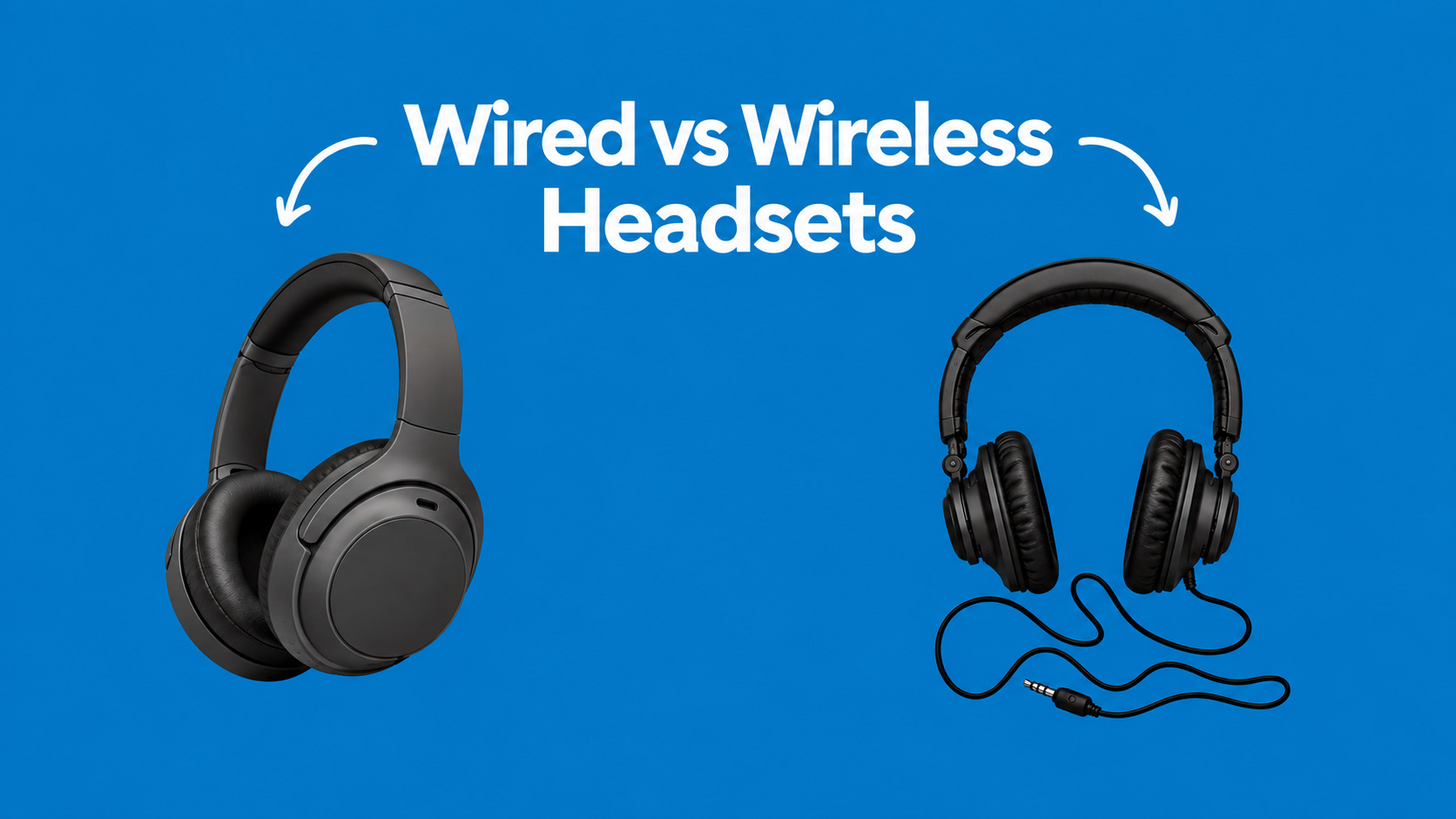
In simple terms, wired headsets prioritise connection simplicity and continuous availability, while wireless headsets prioritise mobility and flexibility.
Table of Contents
- Introduction
- What Are Wired and Wireless Headsets?
- Wired vs Wireless Headsets at a Glance
- Wired Headsets: Benefits and Disadvantages
- Wireless Headsets: Benefits and Disadvantages
- Which Is Better for Call Centres?
- Noise Cancellation and Microphone Quality
- Bluetooth vs DECT Wireless Headsets
- How to Choose the Right Business Headset
- Common Buying Mistakes
- Future of Business Headsets
- Conclusion
- FAQs
What Are Wired and Wireless Headsets?
Wired headsets connect directly to a computer, desk phone or other device through a cable, while wireless headsets communicate through technologies such as Bluetooth, DECT or a dedicated USB receiver. Both types can provide professional microphone and speaker performance when the correct model is selected.
For business users, the difference is therefore less about basic audio quality and more about how employees connect, move, communicate and work throughout the day.
A wired USB headset, for example, can be connected directly to a workstation. Meanwhile, a wireless model can allow an employee to step away from the desk without removing the headset.
Wireless does not necessarily mean Bluetooth, either. Some professional wireless headsets use DECT or a dedicated wireless receiver because these technologies are designed around business communication requirements.
Wired vs Wireless Headsets at a Glance
The simplest way to compare the two is to look at the daily requirements of the employee. Wired models remove battery management, whereas wireless models remove the physical cable between the user and the workstation.
Feature | Wired Headsets | Wireless Headsets |
Connection | USB, 3.5mm, QD and others | Bluetooth, DECT or receiver |
Mobility | Limited | High |
Battery | Not required | Required |
Charging | Not required | Required |
Setup | Usually straightforward | May involve pairing |
Desk work | Excellent | Excellent |
Hybrid work | Good | Excellent |
Device switching | Model dependent | Often convenient |
Cable clutter | Possible | Minimal |
Continuous shifts | Very convenient | Requires battery planning |
Walk-and-talk calls | Limited | Excellent |
The Short Answer
If employees remain at their desks for most of the day, a wired headset can be a practical choice. On the other hand, if employees regularly move between workstations, meeting rooms and phones, wireless headsets can provide useful flexibility.
Therefore, procurement should start with the employee’s workflow rather than the headset’s marketing label.
Wired Headsets: Benefits and Disadvantages
Wired headsets remain relevant because they are straightforward, dependable and do not depend on a rechargeable battery. For many fixed workstations, those characteristics can matter more than wireless mobility.
Benefits of Wired Headsets
- No battery management
A wired headset does not need to be charged before a shift. As long as the computer or phone is available, the headset can be used.
For call centres with long shifts, this can remove one more item from the daily equipment checklist.
- Simple deployment
USB headsets can often be connected directly to a workstation. For IT teams managing many employees, simple deployment can reduce setup time.
- Stable connection
Because the headset is physically connected, there is no Bluetooth pairing process between the headset and computer.
That can be useful in environments where employees remain at assigned desks.
- Good value for large deployments
Wired business headsets are available at different price points. For example, the current Promallshop catalogue includes models such as the Logitech H110, Logitech H390, VT 6300 and VT6200UNC-D.
- No wireless battery to replace or recharge
This becomes particularly useful when equipment is expected to remain at a workstation for years.
Disadvantages of Wired Headsets
The biggest limitation is mobility.
An employee cannot simply walk to another room while remaining connected to a computer unless the cable or connection setup allows it. Additionally, cables can become tangled or contribute to desk clutter.
For open offices, a cable can also become inconvenient when employees frequently move between work areas.
Wireless Headsets: Benefits and Disadvantages
Wireless headsets remove the physical connection between the user and their device. As a result, they are especially useful for hybrid workers, mobile professionals, managers and employees who regularly move around during calls.
Benefits of Wireless Headsets
- Freedom of movement
Wireless connectivity allows employees to move away from their desks while remaining connected, depending on the headset’s range and connection technology.
For example, an employee may answer a call at their desk and then move to another part of the workspace without removing the headset.
- Better flexibility for hybrid work
Remote and hybrid workers often switch between laptops, phones and meeting environments.
A wireless headset with multi-device support can make that workflow more convenient.
- Less cable clutter
Removing the cable can create a cleaner workstation. This can be particularly useful in modern offices where employees regularly change desks.
- Multi-device connectivity
Some wireless business headsets can connect to more than one device. That can be useful for employees who need both a computer and smartphone during the working day.
- Useful for managers and mobile employees
Employees who spend time away from their desks can benefit significantly from wireless connectivity.
Disadvantages of Wireless Headsets
Wireless headsets introduce one important responsibility: battery management.
If the battery runs out during an important customer call, the user may need to switch devices or recharge the headset.
Wireless connectivity can also introduce additional considerations around pairing, device compatibility, wireless range and interference.
Therefore, a business deploying wireless headsets should establish charging routines and confirm compatibility before purchasing in bulk.
Which Is Better for Call Centres?
For call centres, the better headset is the one that matches the agent’s workload, workspace and communication platform. A wired model can suit fixed agents who stay at their desks, while a wireless call centre headset can be useful for supervisors, mobile agents and flexible workstations.
When Wired Makes Sense
A wired call centre headset is often practical when:
- Agents remain at assigned desks.
- Employees work long shifts.
- Charging equipment is inconvenient.
- IT wants simple deployment.
- Cable management is already available.
- The primary device is a workstation or desk phone.
A model such as the Logitech H390, for example, combines USB connectivity with a noise-cancelling microphone and can be suited to straightforward workstation communication.
When Wireless Makes Sense
Wireless call centre headsets can be useful when:
- Employees move around during calls.
- Agents work from home or in hybrid environments.
- Supervisors need to move around the floor.
- Employees switch between computers and phones.
- The organisation values flexible workstations.
- Cable-free workspaces are a priority.
For more specialised call-centre environments, DECT wireless systems can also provide a different approach from ordinary Bluetooth headsets.
What About Work From Home?
For a home-based agent, a wireless headset can be convenient because it gives the user more freedom around the workspace.
However, the microphone still matters.
A wireless headset with excellent music playback but poor microphone noise handling may perform worse for customer service than a simpler business headset designed specifically around voice communication.
That is why buyers should judge the microphone separately from the headphones.
Noise Cancellation and Microphone Quality
Noise cancellation is often misunderstood because there are two different problems: what the employee hears and what the customer hears.
Active Noise Cancellation, or ANC, generally focuses on reducing surrounding sound that reaches the wearer. Microphone noise cancellation or noise suppression, meanwhile, focuses on reducing unwanted background sound captured by the microphone.
For a call centre, the second function can be particularly important.
Imagine an agent sitting beside several colleagues who are speaking at the same time. The agent may hear some of that noise through the headset, but the customer also needs to hear the agent clearly.
Consequently, a call centre headset with a noise-cancelling microphone can be more valuable than a headset that simply advertises strong ANC.
What to Check
Before purchasing, look for:
- Noise-cancelling microphone
- Microphone noise suppression
- Multiple microphone technology
- Voice pickup performance
- Acoustic protection
- Comfortable ear cushions
- Adjustable microphone boom
- Suitable wearing style
Promallshop’s current catalogue includes wired VT models with dual noise-cancelling microphones as well as wireless VT models with ANC and Bluetooth connectivity.
Bluetooth vs DECT Wireless Headsets
Bluetooth and DECT are both wireless technologies, but they are commonly used for different business requirements. Bluetooth is particularly convenient for computers and mobile devices, whereas DECT is common in professional telephony environments where dedicated wireless range and call handling are important.
Bluetooth
Bluetooth headsets are useful for:
- Laptops
- Smartphones
- Tablets
- Video meetings
- Remote work
- Hybrid work
They are especially convenient when employees already use Bluetooth-enabled devices.
DECT
DECT is often associated with professional cordless telephony.
For example, Jabra’s Engage range includes DECT wireless headsets designed for call-centric workers, with models offering features such as multi-device connectivity, noise-cancelling microphones and substantial wireless range.
Therefore, a call centre or enterprise telephony environment should not automatically treat Bluetooth as the only wireless option.
What About USB Receivers?
Some business wireless headsets use a USB receiver or dongle.
This can simplify PC connectivity and may provide a more controlled connection than relying solely on the computer’s built-in Bluetooth.
Microsoft’s Teams certification documentation also distinguishes between certified USB devices and native Bluetooth peripherals. Certified devices are tested for integration with Teams, while supported models can provide features such as call controls and plug-and-play functionality.
How Much Do Business Headsets Cost in Nigeria?
Business headset prices vary according to brand, connection type, microphone technology, wireless capability and other features. Current Promallshop listings show a wide range, from basic wired models to premium wireless business headsets.
For example, current catalogue listings include the Logitech H110 at about ₦12,600, Logitech H390 at about ₦48,000, VT6200UNC-D at about ₦58,000, VT9800 at about ₦140,000, Logitech H800 at about ₦157,500 and several higher-priced wireless models.
These are catalogue examples rather than permanent market prices, because stock, promotions and pricing can change.
For procurement, it is more useful to divide employees into equipment groups.
User Type | Suitable Direction |
Fixed call centre agent | Wired or specialised wireless |
Remote worker | Wireless or wired USB |
Executive | Wireless |
Mobile manager | Wireless |
Receptionist | Wired or wireless |
High-noise call centre | Noise-cancelling microphone |
Desk-phone user | Check RJ9/QD/DECT compatibility |
Microsoft Teams user | Check Teams certification |
How to Choose the Right Business Headset
The best approach is to evaluate the headset against the employee’s actual workflow.
Identify the Primary Device
First, determine whether employees use:
- Windows PCs
- Mac computers
- IP desk phones
- Smartphones
- Tablets
- Softphone applications
Compatibility should come before brand preference.
Measure Mobility Requirements
Next, ask whether employees need to leave their desks during calls.
If the answer is no, wired connectivity may be perfectly adequate.
If the answer is frequently, wireless becomes more attractive.
Evaluate the Noise Environment
A quiet private office has different requirements from a busy contact centre.
For noisy environments, prioritise the microphone’s ability to handle background sound.
Consider Daily Usage
An employee making two short calls per day has different requirements from someone handling calls continuously.
For long shifts, comfort and microphone performance should receive significant attention.
Check the Connection
Confirm whether the headset supports the required connection.
That could mean USB-A, USB-C, Bluetooth, DECT, a USB receiver, RJ9 or another business telephony connection.
Check Platform Compatibility
If your organisation uses Microsoft Teams, Zoom or another collaboration platform, check whether the exact model is compatible or certified.
Microsoft maintains a certification programme for business peripherals, including headsets, and its current catalogue includes models from manufacturers such as Logitech, Dell, Jabra and Yealink.
Calculate Total Cost
Finally, consider more than the purchase price.
Factor in:
- Charging requirements
- Replacement parts
- Warranty
- Support
- Durability
- Deployment time
- Compatibility
- Expected lifespan
A cheaper headset is not necessarily cheaper to operate if it has to be replaced frequently.
Common Buying Mistakes
Businesses often make headset purchasing decisions based on specifications that look impressive on paper but do not solve the actual workplace problem.
Buying Only on Brand Name
Logitech, Dell and VT all have different headset models designed for different users.
Therefore, choosing a brand first and asking questions later can result in unnecessary spending.
Confusing ANC With a Noise-Cancelling Microphone
ANC and microphone noise cancellation are not the same thing.
For customer-facing employees, microphone performance deserves particular attention because the customer needs to hear the agent clearly.
Ignoring Compatibility
A headset may work with a laptop but not provide the required controls or connection for an office phone.
Before bulk purchasing, test the exact model with the systems your employees use.
Buying Wireless Without a Charging Plan
Wireless deployment should include a charging routine.
For larger teams, procurement should also consider what happens when batteries are low during a shift.
Ignoring Comfort
A headset that sounds excellent for ten minutes may become uncomfortable after several hours.
Therefore, comfort should be tested during realistic work periods whenever possible.
Future of Business Headsets
Business headsets are becoming more closely connected to unified communications, artificial intelligence and workplace device management. Manufacturers are increasingly combining microphone processing, noise suppression, ANC, device switching and collaboration controls in the same products.
For IT teams, that means the headset is becoming more than an audio accessory.
It can become part of the employee’s communication system.
Microsoft’s current Teams certification programme, for example, includes headsets with dedicated call controls, firmware support and tested integration. Meanwhile, modern business models from manufacturers such as Logitech increasingly combine Bluetooth, USB receivers, microphone processing and collaboration-platform certification.
As hybrid work continues, flexibility will remain important.
However, that does not mean every business should replace wired headsets with wireless ones. Fixed workstations can still benefit from simple wired equipment, while mobile and hybrid roles may gain more from wireless connectivity.
Conclusion
Wired and wireless headsets can both provide professional business communication when they are matched to the right environment. Wired models remain practical for fixed workstations, while wireless models provide greater freedom for hybrid teams, executives, supervisors and mobile employees.
For call centres, the decision should go beyond wireless versus wired. Microphone quality, background-noise handling, comfort, compatibility and daily usage can have a greater effect on the employee and customer experience.
Before purchasing, identify how your team works, which devices they use and how much movement their roles require. Then choose the headset configuration that solves those specific needs.
FAQs
Wired headsets are practical for fixed workstations because they do not require charging. Wireless headsets are more suitable when employees need mobility or multi-device connectivity. The right choice depends on the user's workflow.
Yes. Wireless call centre headsets can work well when agents or supervisors need mobility. However, microphone quality, battery life, wireless range and compatibility should be checked before deployment.
A suitable headset should provide a clear microphone, background-noise reduction, comfortable wearing and reliable connectivity. Wireless models can provide additional flexibility, while USB wired models can simplify setup.
Not necessarily. Noise cancellation depends on the specific headset. Also, ANC and microphone noise cancellation serve different purposes, so buyers should evaluate both separately.
Bluetooth is commonly used with computers and mobile devices. DECT is designed around cordless telecommunications and is commonly found in professional business phone systems.